Clear regional pricing
One workspace.
Choose where it runs.
Begin with 1 calling Agent. The minimum annual licence includes 5 active team seats for Admins, Managers, Supervisors or Agents in any mix, plus 1 Owner account at no charge. Every payment covers 12 months. Renewal reminders begin after month 11, and the next annual payment is due during month 12. Choose Local for your own Windows or Ubuntu infrastructure, or Connect for an always-online remote team.
Your detected pricing region
Finding your region…
Selecting the correct local price.
Only pricing for your detected region is displayed.Annual licence calculator
Choose your edition and active team size.
Both editions include five active team seats plus one Owner account in the first annual pack. Every payment covers one fixed 12-month licence term. Local runs on your computer or server; Connect is the managed online edition.
Count every active Admin, Manager, Supervisor and Agent except the included Owner account. Billing rounds up to a complete 5-seat pack.
Detecting your region12-month licence
—/ year
1 planned active team seat · 5 licensed seats + 1 free Owner
- Minimum licence · 5 active team seats
- —
- Additional packs
- —
- Konnextions Local installer
- Included
Secure licence purchase
Sign in with Google so the licence and paid support are connected to the correct account.
Google popup blocked? Continue in this tab We create a secure organisation ID automatically after payment. You do not need to invent a slug. After Razorpay verifies payment, your signed .lic file, Local customer guide and protected installer access are issued automatically and emailed to this Google account.Bring Your Own Carrier
Your telecom provider. Your account. Your call bill.
Telecom choice is yours. Connect your preferred compatible provider through the SIP/Asterisk calling layer, keep the provider account in your company’s name and pay usage directly to that provider.
Local installer included. Connect hosting is quoted separately.
Choose a compatible North American SIP carrier.
Connect an existing enterprise SIP trunk or evaluate providers such as Twilio Elastic SIP Trunking and Telnyx SIP.
Choose coverage that fits each calling country.
Use an approved global or regional SIP carrier that can supply compliant numbers, origination and termination where your team operates.
Connect through a licensed Indian telecom route.
Use Exotel vSIP or another approved enterprise SIP provider after the client completes the provider’s KYC and telecom requirements.
Every carrier connection is verified.
Signalling, codecs, caller ID, inbound routing, outbound calling, recording and failure handling must pass acceptance testing before live use.
Read the provider guide →Everything needed to run the workspace.
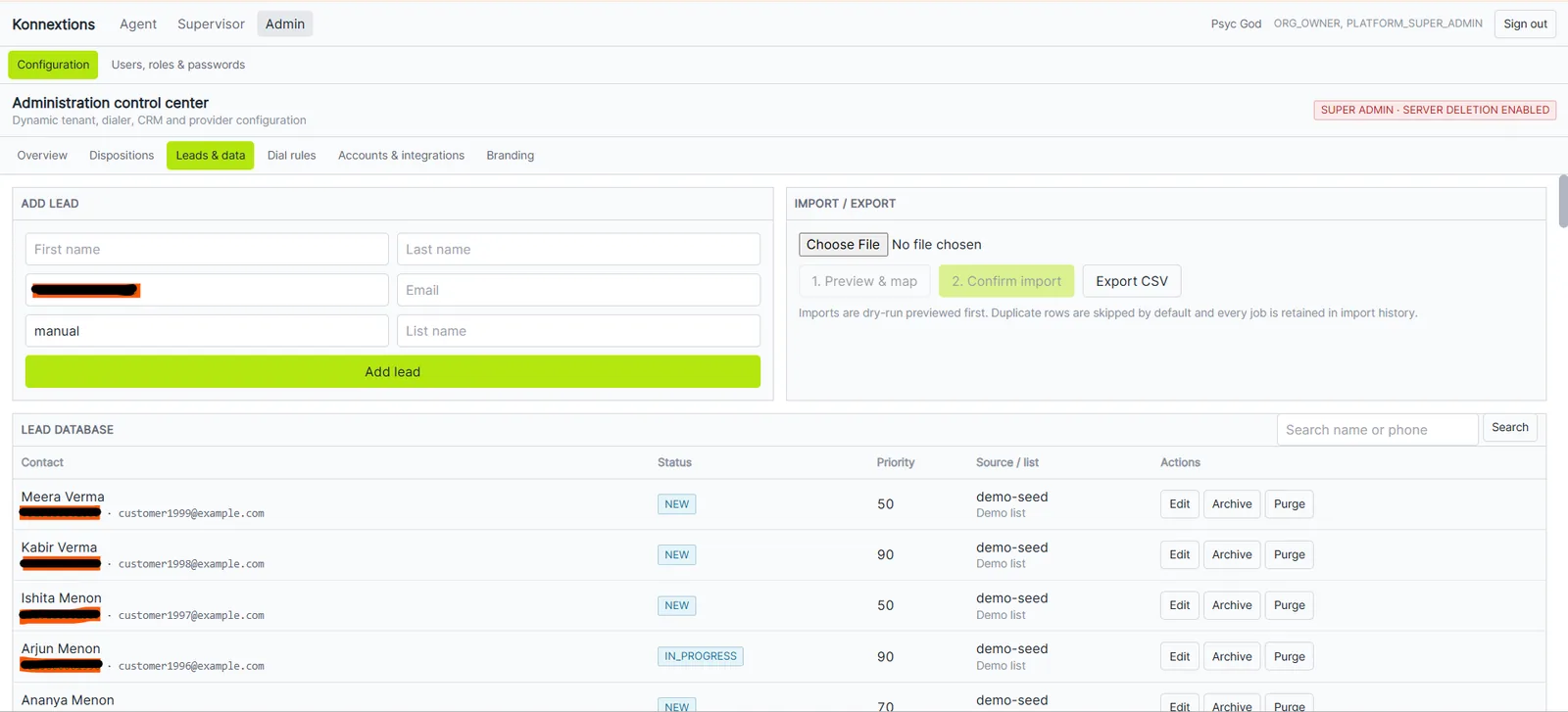
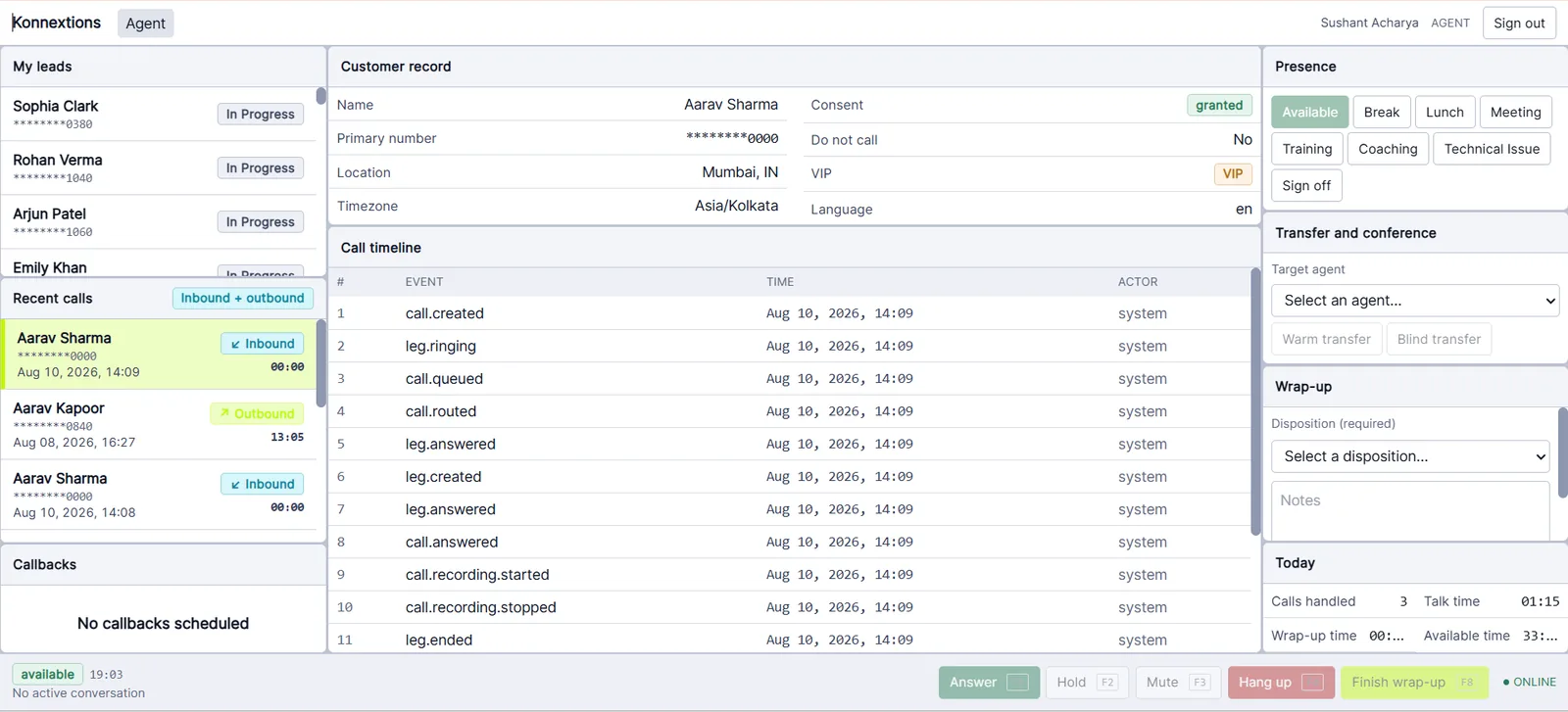
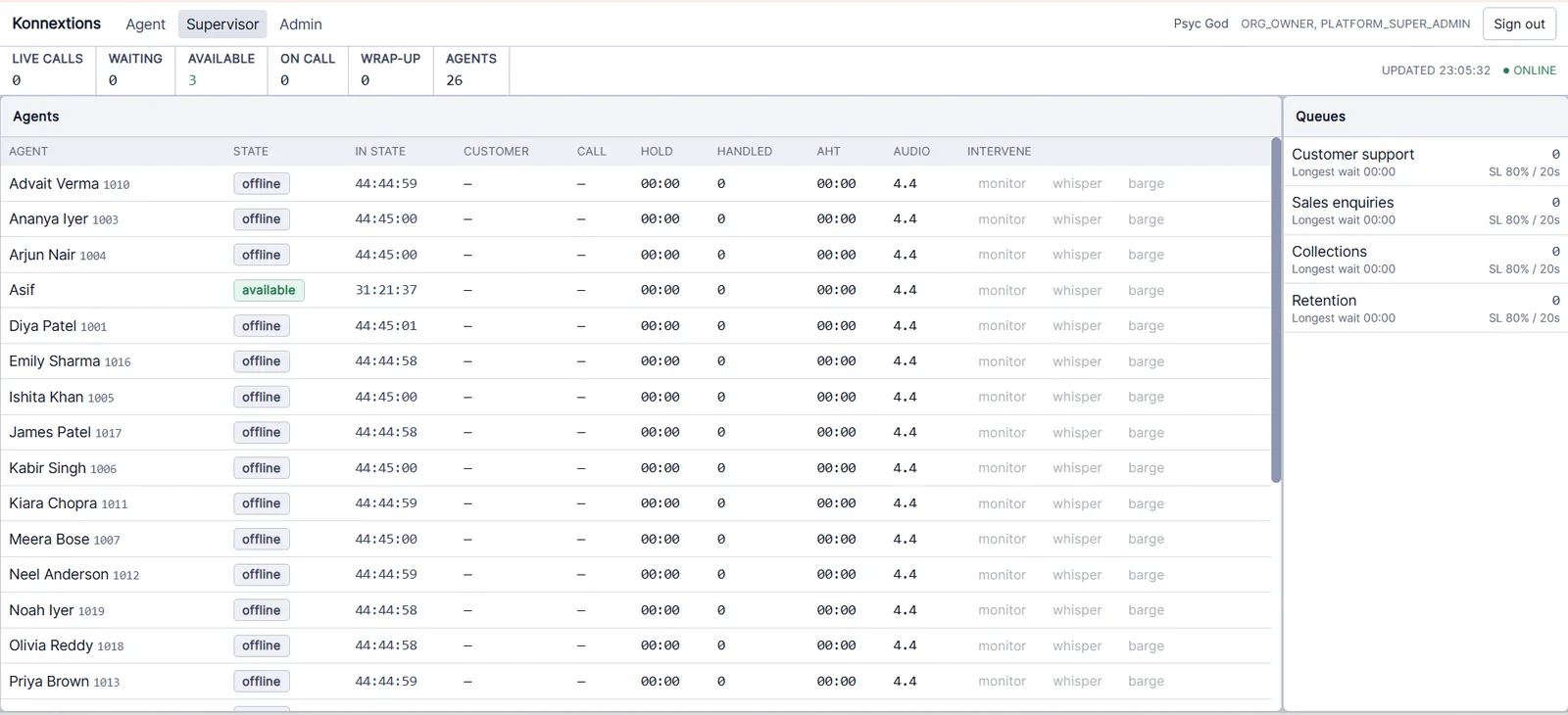
- Inbound and outbound dialer workspace
- CRM, leads, campaigns and dispositions
- Super Admin, Admin, Manager and Agent roles
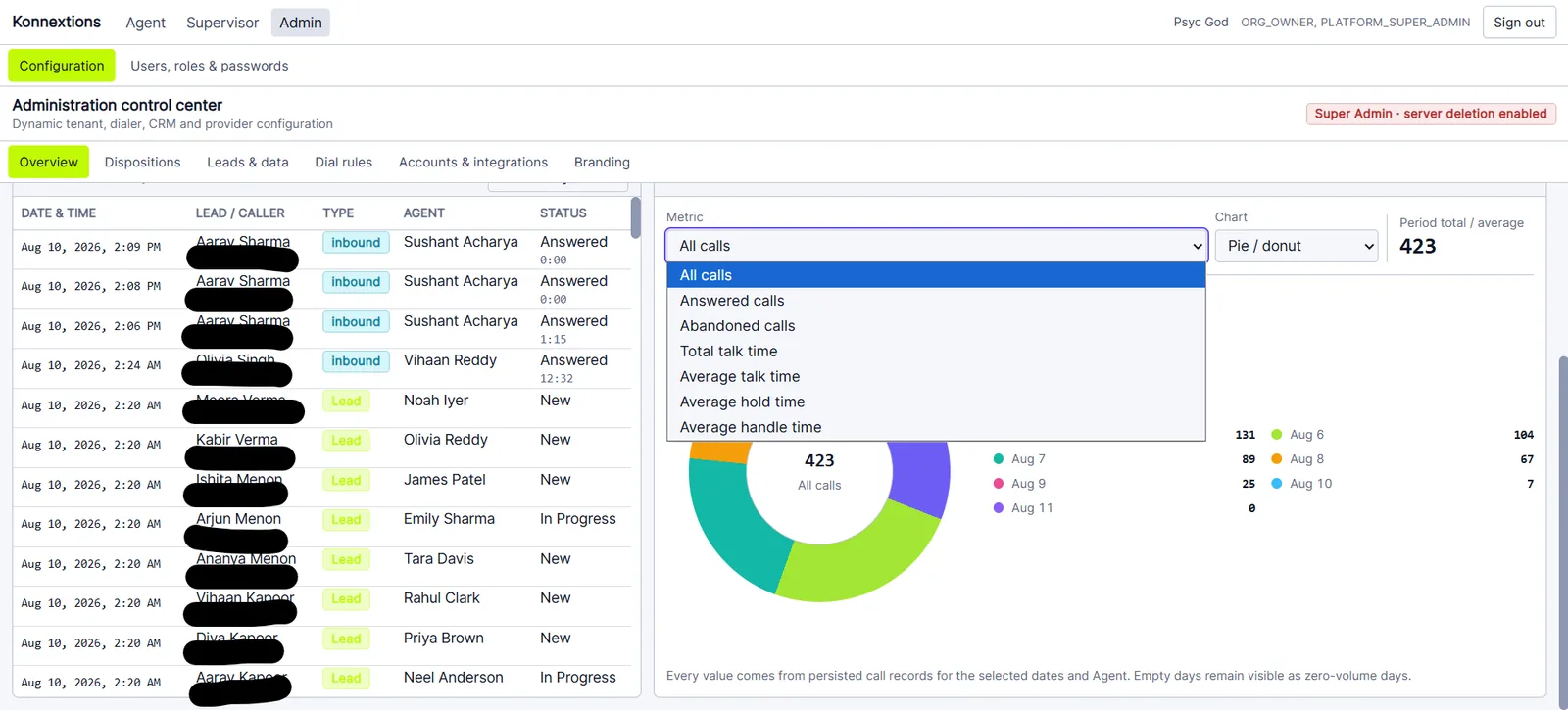
- Imports, exports, reporting and audit history
- Konnextions Local package for Windows and the verified Ubuntu server path
- Help Centre, Rhea and paid customer support
Your telecom account stays yours.
- Calling provider numbers and usage
- Approved SIP/PBX carrier account
- Applicable taxes
- Optional custom integrations or migration work
Local or Connect. No maximum active team-seat limit.